
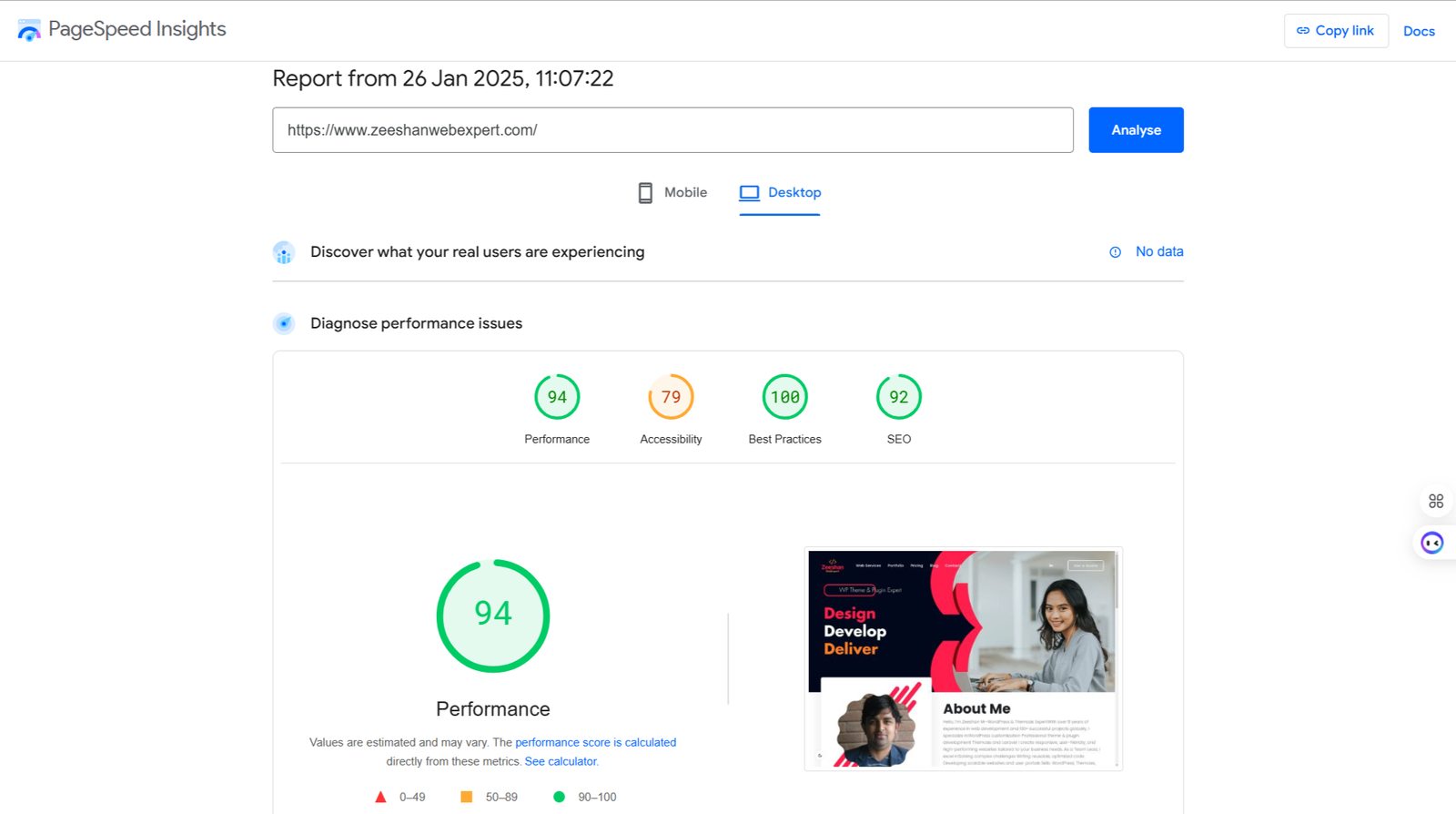
In the fast-paced world of the internet, website loading speed can make or break user experience. If your website feels sluggish, one of the primary culprits could be the Time to First Byte (TTFB). This term refers to the amount of time it takes for a browser to receive the first byte of data after requesting a webpage. Even a minor TTFB delay can impact your site’s overall performance, leading to poor user experience and higher bounce rates.
In this guide, we will explore what TTFB is, why it matters, and how you can reduce TTFB delay to speed up your website, especially if you’re using WordPress.
What Is Time to First Byte (TTFB)?
Time to First Byte (TTFB) is a critical metric for measuring website speed. It refers to the time taken between the moment a user requests a webpage and the moment the browser receives the first byte of data from the server. This time is made up of several stages:
- DNS Lookup: Resolving the domain name to an IP address.
- Request Sent to Server: The browser sends the request to the server.
- Server Processing: The server processes the request and prepares the content.
- First Byte Sent Back: The server sends the first byte of content back to the browser.
A slow TTFB can cause delays in this process, resulting in a poor experience for users and possibly affecting SEO rankings.
Why TTFB Matters for Your Website
TTFB is a critical factor because it sets the tone for how fast your website feels to users. If the TTFB is high, it delays the time it takes for content to appear on the screen, which can frustrate visitors. Google and other search engines also use TTFB as part of their ranking algorithms. A slower TTFB can negatively impact your website’s visibility, affecting your search engine rankings and overall site traffic.
Low TTFB is important not just for users, but also for your site’s performance. A fast TTFB ensures a smoother experience, faster page load times, and better engagement. Therefore, improving TTFB should be a top priority in any website optimization strategy.
Common Causes of High TTFB
Before diving into the solutions, it’s essential to understand the causes of high TTFB. Several factors could contribute to delays in TTFB:
- Server Performance Issues: A slow or overloaded server can significantly increase TTFB. Shared hosting environments often struggle with high traffic volumes, causing delays in server responses.
- Distance Between Server and User: The physical location of the server in relation to the user plays a role in TTFB. The farther the server is, the longer it takes for the data to travel, which can cause delays.
- Network Issues: Problems within the network infrastructure, such as slow routers or poor connectivity, can increase TTFB by causing packet delays.
- Inefficient Code: Bloated or inefficient code in your website’s backend can slow down the server’s ability to respond to requests quickly.
- Database Bottlenecks: If your website relies heavily on a database, slow queries or an unoptimized database can significantly increase the time it takes for the server to process requests.
How to Improve TTFB: Key Strategies
Now that we’ve covered what TTFB is and why it matters, let’s look at ways to reduce TTFB delay and optimize your website’s performance. Here are some of the most effective TTFB optimization tips:
1. Improve Server Response Time
The first step in reducing TTFB is to improve server response time. This involves optimizing the server to process requests more efficiently. Upgrading your hosting to a faster server or using a dedicated hosting solution can significantly improve server response times. Managed WordPress hosting services like Kinsta or WP Engine are designed specifically to optimize server response time, which can boost TTFB.
2. Use a Content Delivery Network (CDN)
A CDN stores copies of your website’s content on multiple servers around the world. When a user visits your site, the CDN delivers the content from the server that’s closest to them, reducing the time it takes for data to travel. Using a CDN can significantly lower TTFB, especially for global websites with visitors from different regions.
3. Optimize Your DNS Settings
The Domain Name System (DNS) is responsible for resolving domain names into IP addresses. A slow DNS lookup can delay TTFB. To speed up DNS resolution, you can use a faster DNS provider, such as Google DNS or Cloudflare DNS. These providers offer optimized servers that deliver faster lookups, reducing TTFB.
4. Fix Slow TTFB in WordPress
If you’re using WordPress, slow TTFB can often be caused by poor hosting, heavy plugins, or inefficient themes. To fix TTFB latency in WordPress:
- Choose a fast hosting provider: Opt for a WordPress-specific hosting service that offers optimized server environments.
- Use a lightweight theme: Avoid themes with excessive features that can slow down server response time.
- Optimize plugins: Remove unnecessary plugins and ensure the ones you use are optimized for speed.
5. Use HTTP/2 or HTTP/3
HTTP/2 and HTTP/3 are the latest versions of the HTTP protocol that improve website loading speed by enabling faster data transfer between servers and browsers. These protocols allow multiple requests to be sent at once, reducing the overall time it takes for data to travel between the client and server. Enabling HTTP/2 or HTTP/3 can lead to TTFB improvements, especially on high-traffic websites.
TTFB Troubleshooting for WordPress
WordPress websites often face specific TTFB issues due to the nature of their setup. Here are some common WordPress TTFB problems and how to fix them:
1. Overloaded WordPress Database
WordPress sites with large databases may experience slow database queries, which can cause high TTFB. Regularly optimizing your database using tools like WP-Optimize can help reduce query time and improve TTFB.
2. Inefficient WordPress Plugins
Some WordPress plugins can cause significant delays in server response times. Always ensure that your plugins are updated and optimized. Avoid using plugins that add unnecessary bloat to your site.
3. High Traffic Volumes
High traffic can overwhelm your server, leading to delays in TTFB. Scaling your hosting solution or using caching mechanisms like W3 Total Cache or WP Super Cache can help manage traffic spikes and improve TTFB.
TTFB Performance Solutions: Quick Fixes
Here are a few quick solutions that can help you reduce TTFB delay:
- Optimize Your Server Configuration: Tuning your server for better performance can go a long way in reducing TTFB. Ensure that the server is using the latest PHP version and that caching mechanisms are properly configured.
- Enable GZIP Compression: Enabling GZIP compression reduces the size of the data sent from the server to the browser, which can improve both TTFB and overall load time.
- Minimize External Requests: Reducing the number of external resources (like third-party scripts or ads) that your site requests can decrease TTFB and improve overall site speed.
- Use Faster PHP: Ensure that your website is running on the latest PHP version. PHP 7 and above offer significant performance improvements that can reduce TTFB.
Measuring TTFB: Tools for Monitoring and Troubleshooting
To track and troubleshoot TTFB issues, you need to measure it regularly. Use tools like Google PageSpeed Insights, GTmetrix, or Pingdom to test your site’s TTFB and identify performance bottlenecks. These tools will give you insights into what’s slowing down your TTFB and offer recommendations for improvement.
Conclusion: Reducing TTFB for Better Performance
Reducing Time to First Byte (TTFB) delay is essential for improving your website’s performance, user experience, and SEO rankings. By focusing on server optimization, using CDNs, fixing WordPress-related issues, and implementing best practices, you can boost TTFB and speed up your website. Remember, even small improvements in TTFB can make a significant difference in user satisfaction and website performance.

Zeeshan is a seasoned web developer with over 8+ years of experience, specializing in WordPress, Themosis, and Laravel. customized web solutions. Through his website, zeeshanwebexpert.com, Zeeshan offers professional web services, ensuring long-term solutions for clients.


